One custom pair
$1,071
Everything needed for a professionally fitted everyday loupe.
- ✓2.5x magnification
- ✓Custom PD and procedure distance
- ✓Guided online fitting review
Two custom pairs. One lower price.
Mix magnifications freely. Your two-pair price is the lower single-pair price plus $499 for the other pair. For example, 2.5x + 3.5x is $1,570 in either order.
Everything needed for a professionally fitted everyday loupe.
Two 2.5x pairs. Mixed pairs are priced from the lower-priced pair.
Everything needed for a professionally fitted everyday loupe.
Two 3.0x pairs. Mixed pairs are priced from the lower-priced pair.
Everything needed for a professionally fitted everyday loupe.
Two 3.5x pairs. Mixed pairs are priced from the lower-priced pair.
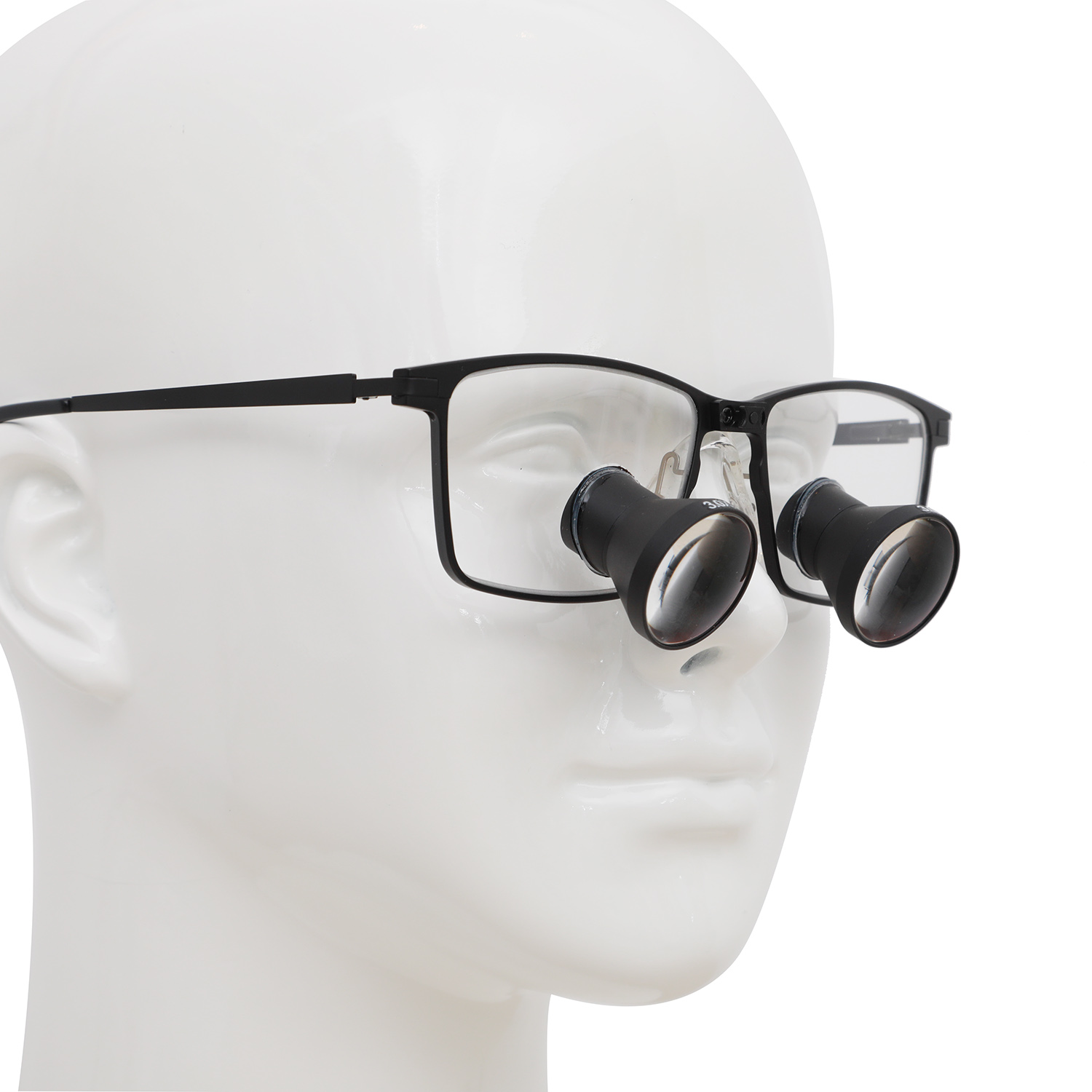
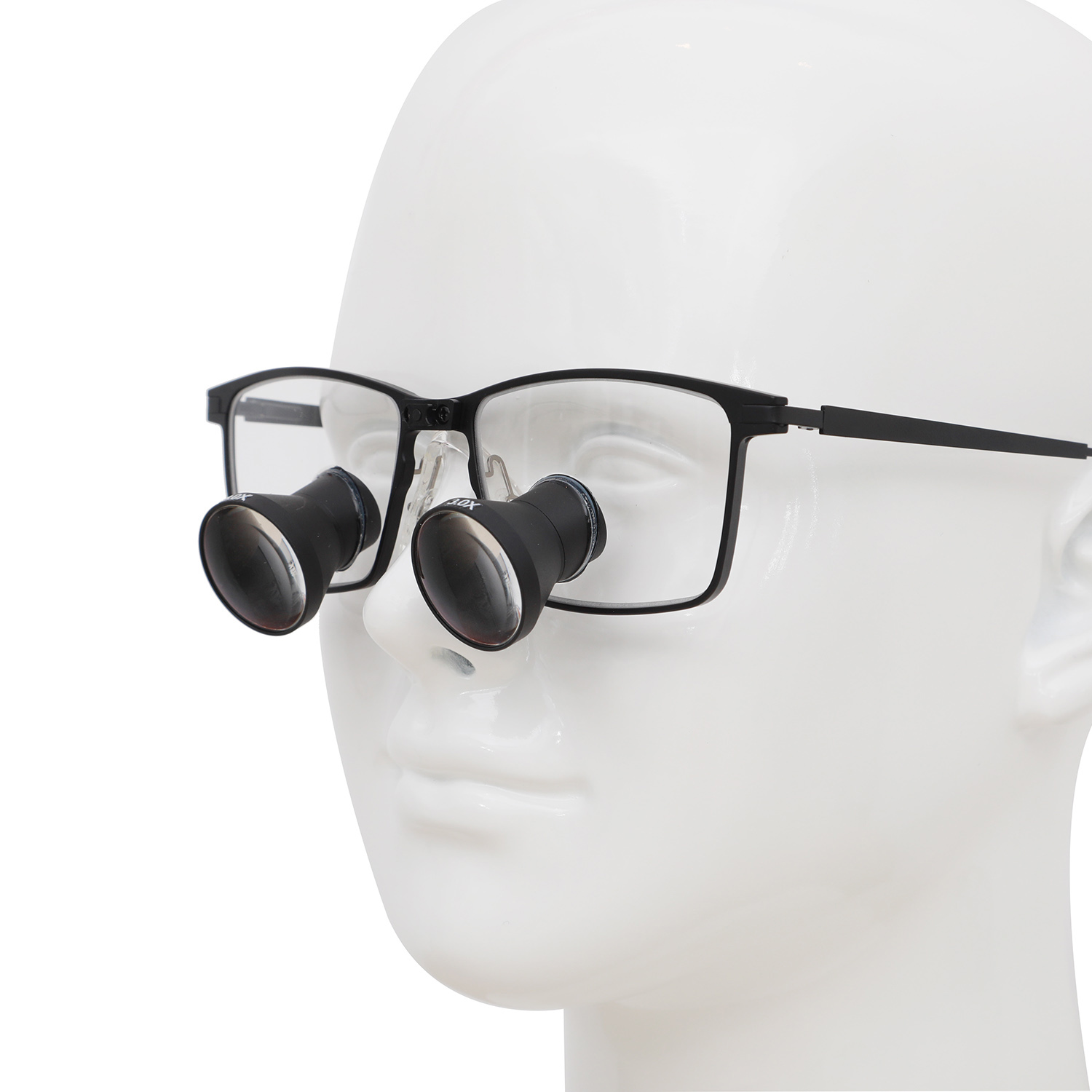
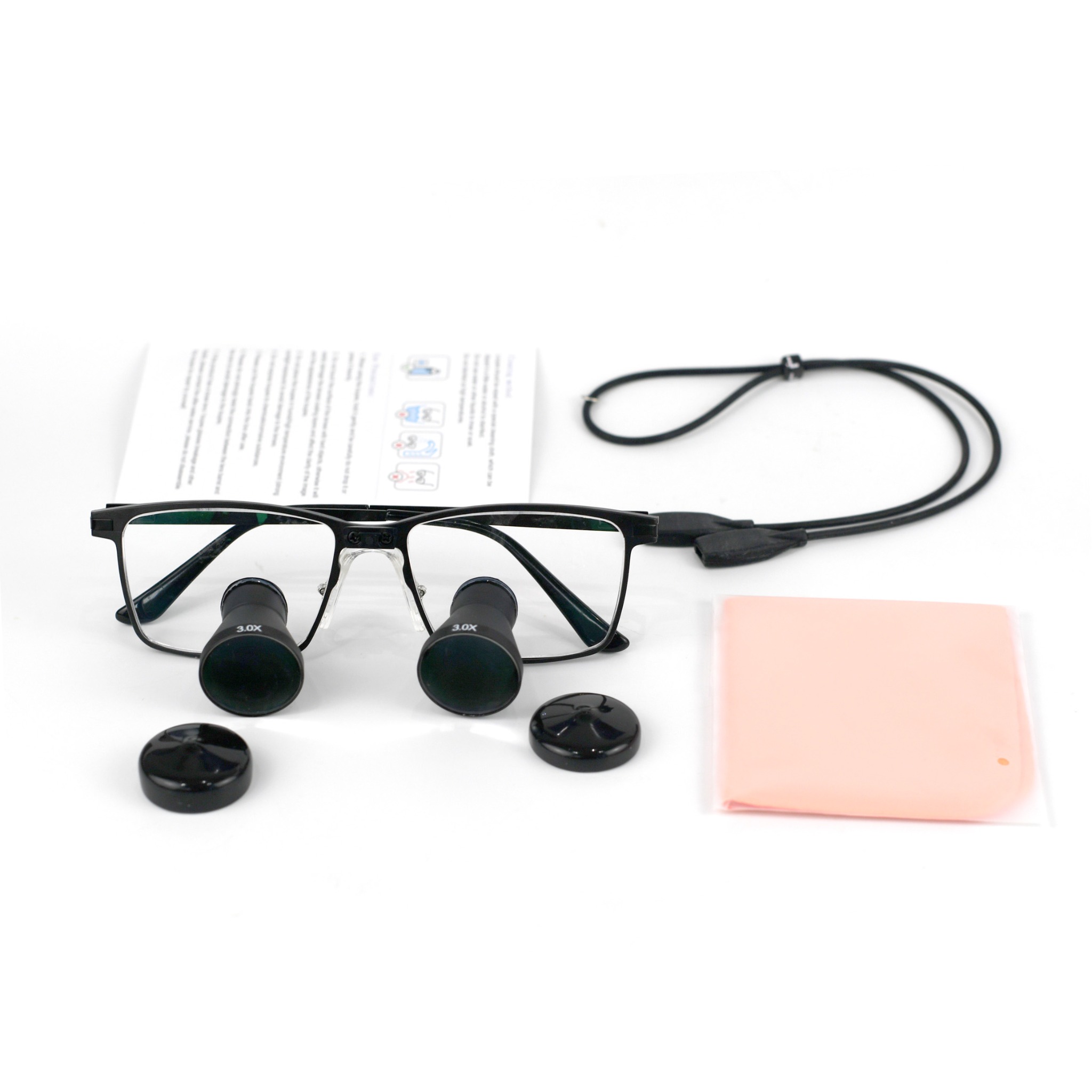
These supplier images are temporary while final branded photography and frame selections are completed.
Simple choices designed around how you see and practice.
The widest field of view in the lineup for a broader view of the treatment area.
More magnification with a middle-range field of view.
Greater magnification with a narrower field for fine detail.
Field of view is stated at a 20-inch viewing distance.
Four distinctive profiles combine professional durability with a refined, modern fit.
Hover or tap any frame to enlarge it.
A refined rectangular profile with clean lines and an executive finish.
Strong squared lines and a substantial profile built for demanding clinical procedures.
A crisp semi-rimless design with a precise upper line and lightweight appearance.
A softer browline silhouette inspired by the dental arch and contemporary eyewear.
Frame and color availability will be confirmed during your fitting review.
Record separate right and left PD values for distance and close vision, then measure your working distance in your normal treatment posture.
Enter right and left eye readings separately in millimeters.
Enter separate right and left near readings for your treatment position.
Measure from the bridge of your nose to your hands three times in your normal posture, then enter the average in inches.
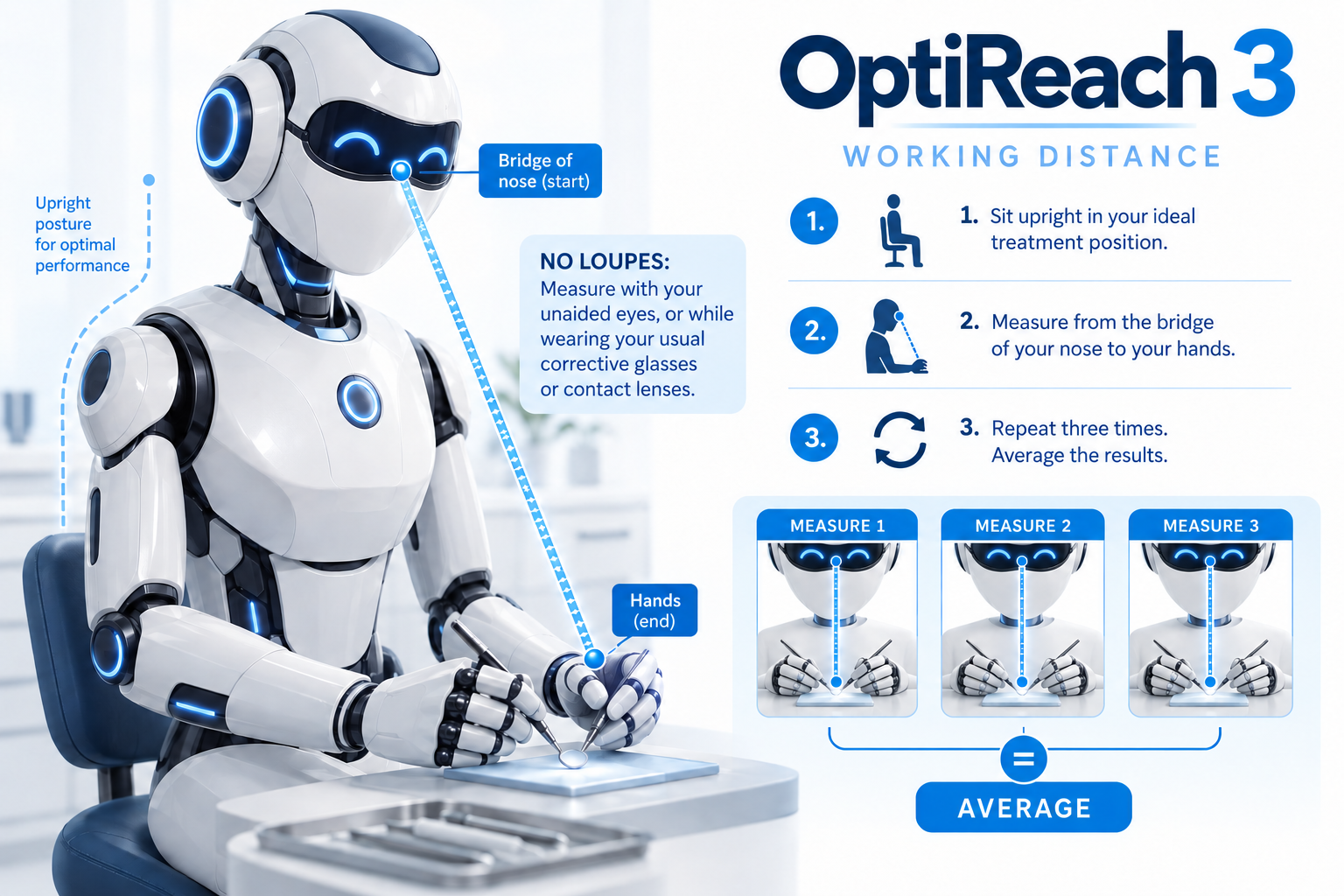
In your normal treatment posture, measure from your nose to your hands three times using a tape measure or iPhone Measure. Enter the average in inches.
PDCheck AR uses the Face ID camera on a compatible iPhone to measure the pupil distances needed for your online fitting. No ruler, credit card or measuring accessory is required.
Download free on the App StoreRequires an iPhone X or newer with Face ID and iOS 13 or later. PDCheck AR is a third-party app from EyeQue Corporation. Loupes-Direct is not affiliated with EyeQue.
Choose one or two pairs, enter your measurements, and review the details in one place.
Traditional loupe pricing supports a field-sales model built around office visits and commissioned representatives. Loupes-Direct puts the fitting process online and the value back into the product.
Loupes-Direct is preparing for launch. Product validation, online fitting and ordering are being completed before sales open.

Professional-grade optics designed for precision, clarity and dependable clinical performance.